Cisco CLI Reference Commands
1 min read
Collection of useful Cisco CLI commands I frequently use and want handy.
Enable IP SLA Features
license boot module c1900 technology-package datak9
Reset IP SLA Statistics
ip sla restart <ID>
Force Cisco Switch to Accept 3rd-Party SFPs
Undocumented but widely used:
configure terminal
service unsupported-transceiver
no errdisable detect cause gbic-invalid
Notes
service unsupported-transceivertriggers a warning—expected.no errdisable detect cause gbic-invalidprevents the port from shutting down.- Works on: 2960G, 3560G, 3750G, 4507R / 4507R-E.
- Available on IOS 12.2(25)SE and above.
Show Device MAC Addresses
show interfaces | i (.* line protocol is )|(.* address is)
Show Maximum Router Throughput
show platform hardware throughput level
Check Flapping Ports
Cisco
show logging | include LINEPROTO|changed state

show logging | include LINK-3-UPDOWN

show interfaces status err-disabled

show interfaces <interface> counters

show interfaces <interface> | include flapping

show interfaces <interface> | include Last input

show interface description | include up
Aruba / HPE
show interfaces brief

show logging -r | include "Link state"
Verify Cable Health (TDR)
test cable-diagnostics tdr interface Gi1/0/10

show cable-diagnostics tdr interface Gi1/0/10
Check for Port Errors
show interface GigabitEthernet1/0/1 | include line protocol|error|CRC|collis|drops
Check for STP Errors
show logging

show spanning-tree inconsistentports

show spanning-tree blockedports

show spanning-tree detail | include ieee|from|occur|is exec
Bypass Startup Config (Recover Enable Password)
ROMMON / Switch Recovery
switch: set SWITCH_IGNORE_STARTUP_CFG=1

# Verify variable:
switch: set

# Boot to OS:
switch: boot
Cisco ISE GUI Password Recovery
-
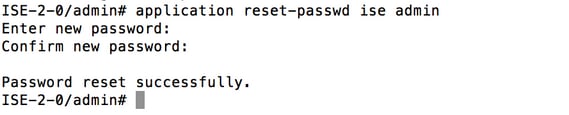
Login using CLI admin account.
-
Reset GUI admin password:
application reset-passwd ise admin
- Enter the new password when prompted.
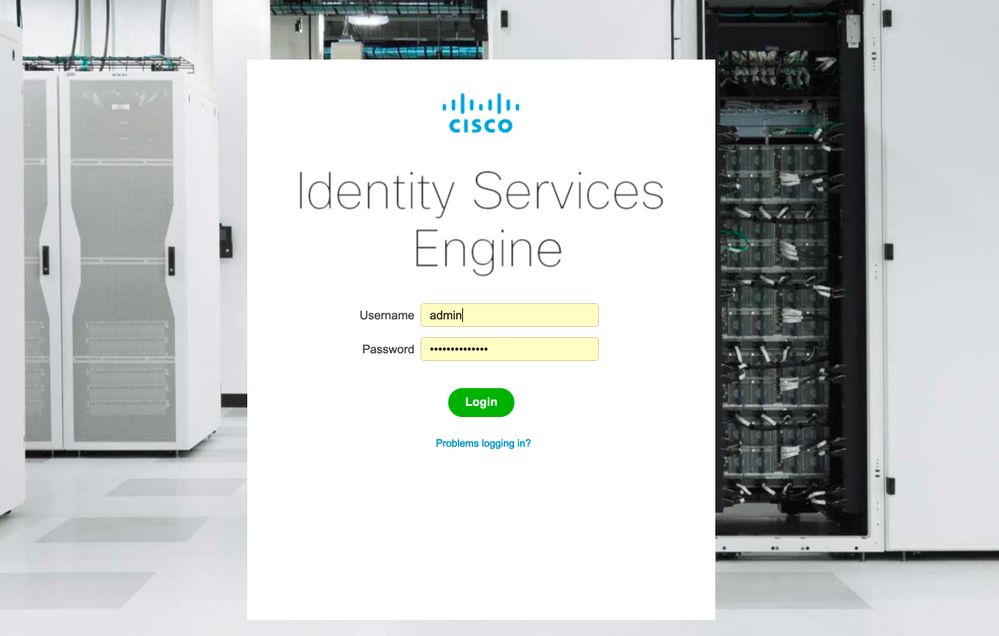
- Test login using the GUI.
Reference images: